Free on Google Play · Android

19 developer tools.
One app.

DevUtils is the Swiss Army knife for developers on Android. Format JSON, hash strings, generate passwords, convert currency, translate 45 languages, control volume with a floating bar, and much more. Most tools work fully offline.

Get it on Google Play
QR code to download DevUtils on Google Play Scan to
download
FreeOffline-firstNo account neededDark & light themes
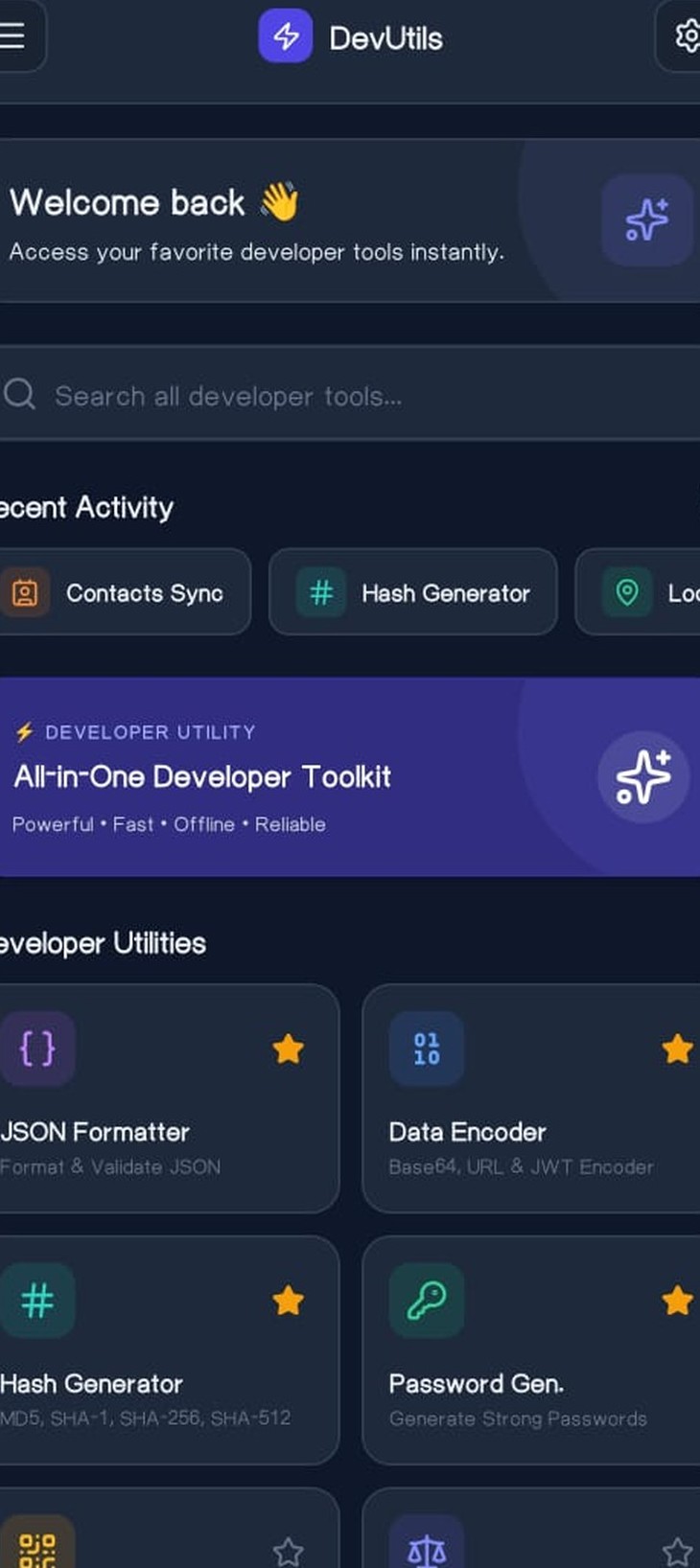
DevUtils home screen with all developer tools
{ }
JSON FormatterValidate & pretty-print
#
Hash GeneratorMD5, SHA-1, SHA-256, SHA-512
19developer tools
14work fully offline
160+currencies supported
45+translation languages
The toolset

Every utility you reach for,
already in your pocket

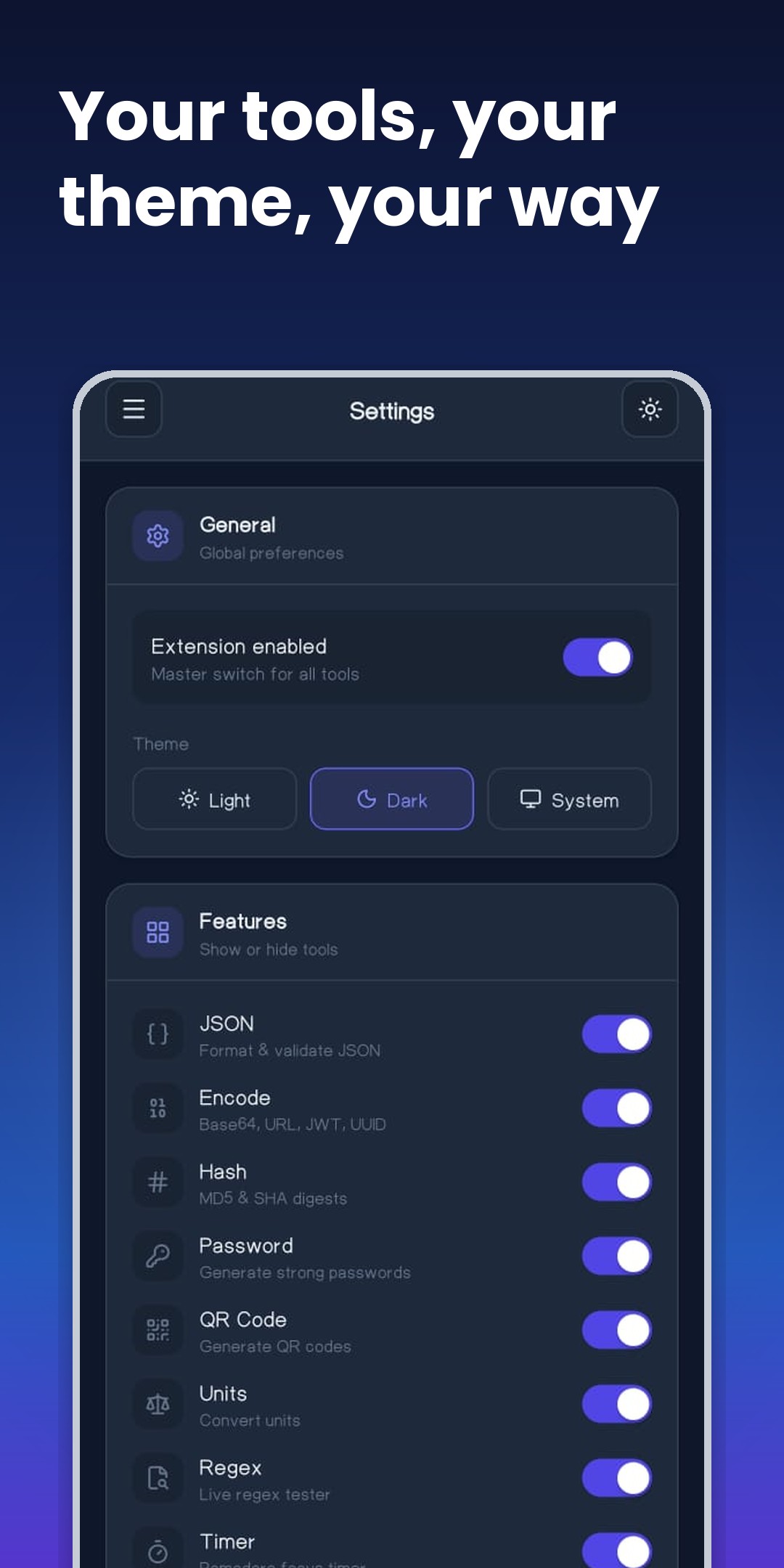
Show or hide any tool from Settings, pin favorites to the top, and every launch is logged to your recent activity. One clean interface, zero clutter.

Highlights

Built different, on purpose

Signature feature

Floating Bar volume control

A customizable edge bar that lives on your screen edge. Tap to open a tall thumb-track volume slider, switch between Media, Ring, Alarm, Notification and Call streams, mute in one tap, or fire quick tools: torch toggle, screenshot capture, and WiFi, mobile data and airplane settings shortcuts. A lifesaver when hardware buttons stop working.

  • Drag to reposition on either screen edge
  • Per-stream volume with live hardware sync
  • Torch, screenshot and settings shortcuts built in
82%Mute
MediaRingAlarm
Live data

Currency converter

Convert across 160+ currencies with live rates, one-tap swap, a searchable daily rates table, and 7, 30 and 90-day trend charts with low, high and change stats. Rates are cached so recent values stay available offline.

Live data

Translator

Translate across 45+ languages with automatic language detection, instant swap, debounced auto-translate as you type, copy to clipboard, and a persistent translation history.

Privacy first

Offline-first, your data stays yours

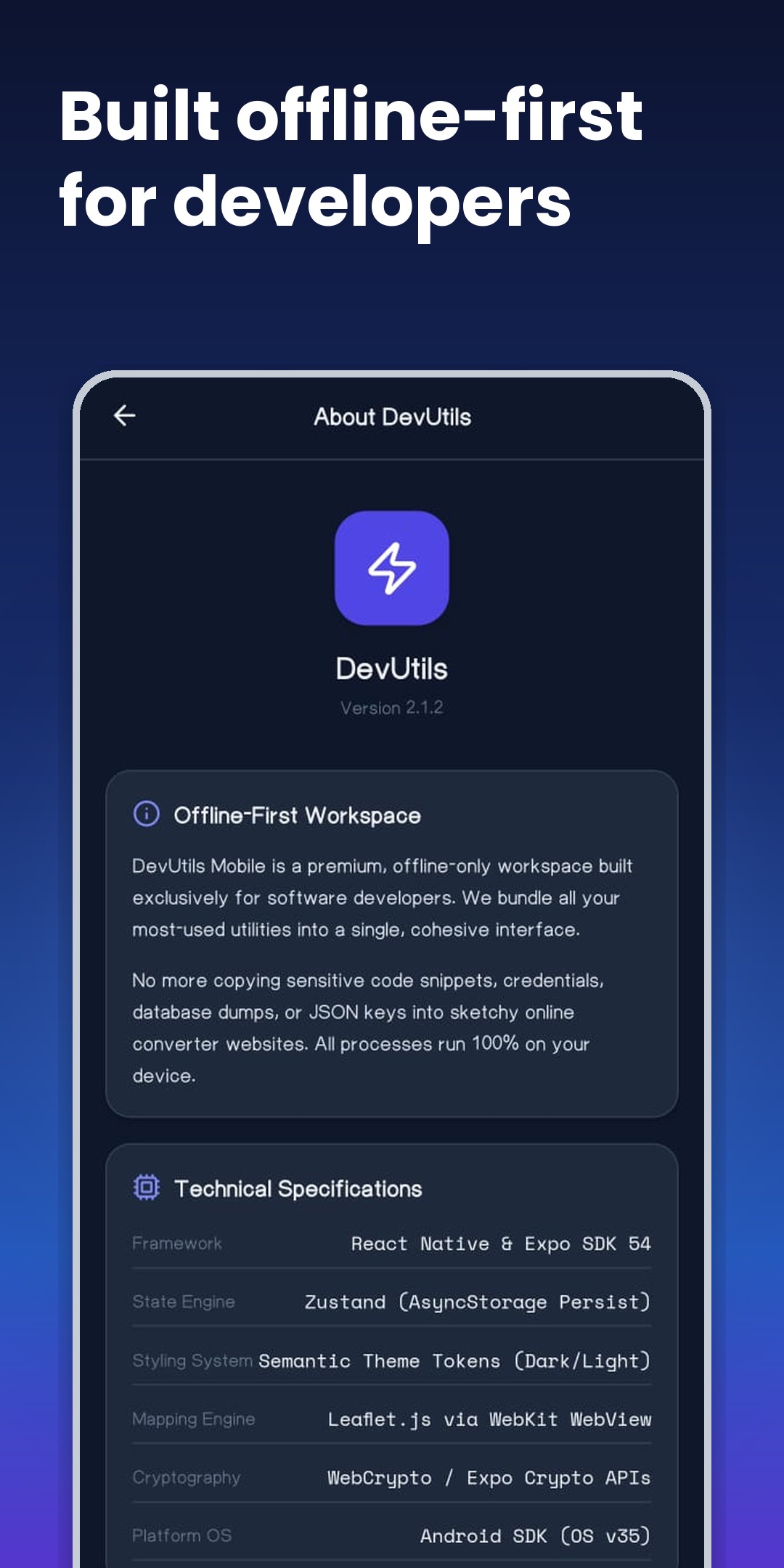
14 of 19 tools run 100% on your device with no internet at all. No more pasting sensitive JSON, credentials or database dumps into sketchy online converter websites. Contacts and location data never leave your phone.

Power user

Contacts Sync, your way

A full contact manager with A-Z quick index, contact photos or colorful initial avatars, one-tap JSON backup and restore, a professionally styled PDF export, and vCard sharing with the profile photo embedded.

Screenshots

Take the tour

Dark, calm, and dense with information. Every screen is designed to get you to the answer fast.

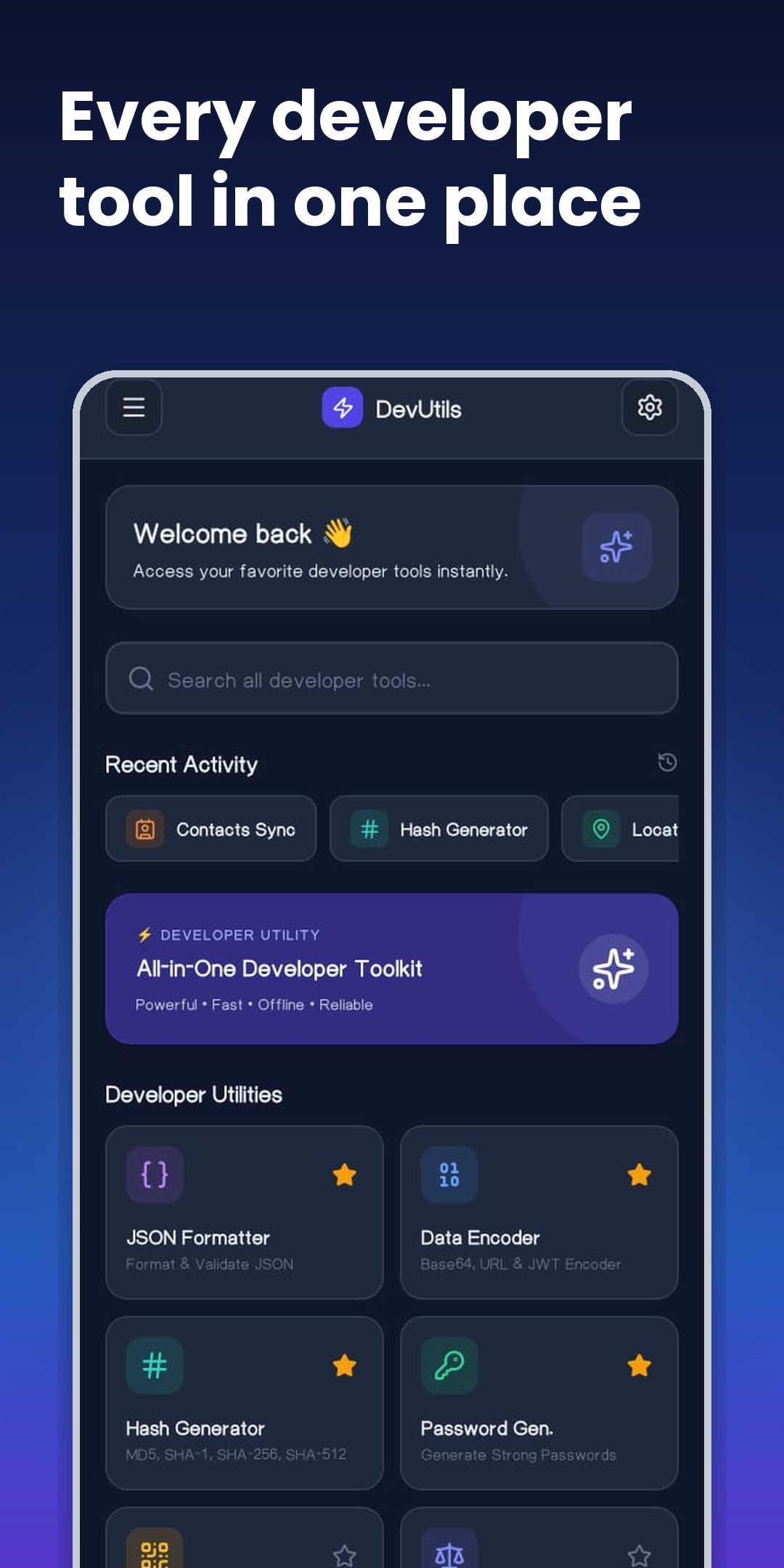
DevUtils home: every developer tool in one place
Every developer tool in one place
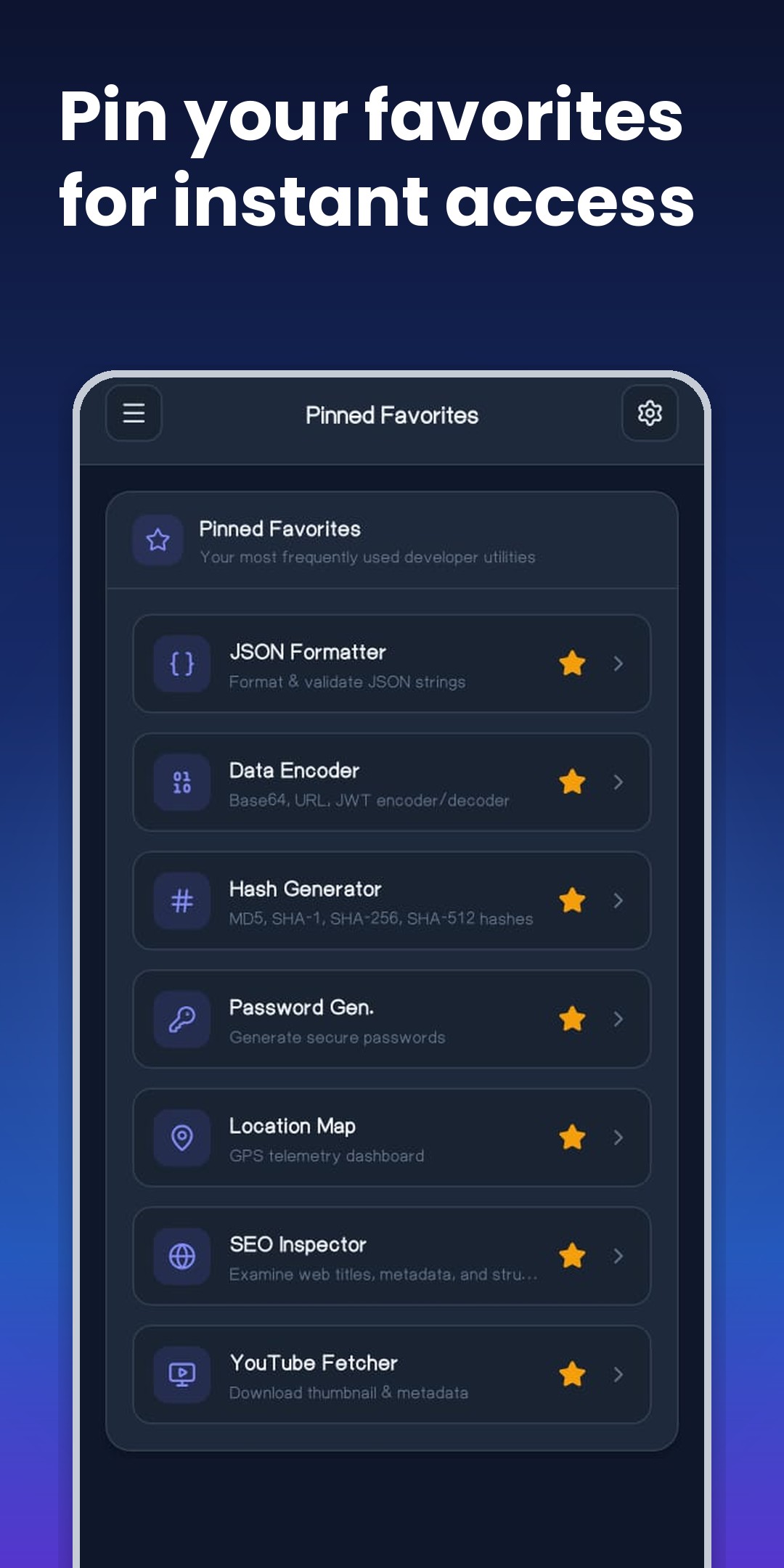
DevUtils favorites: pin your favorites for instant access
Pin favorites for instant access
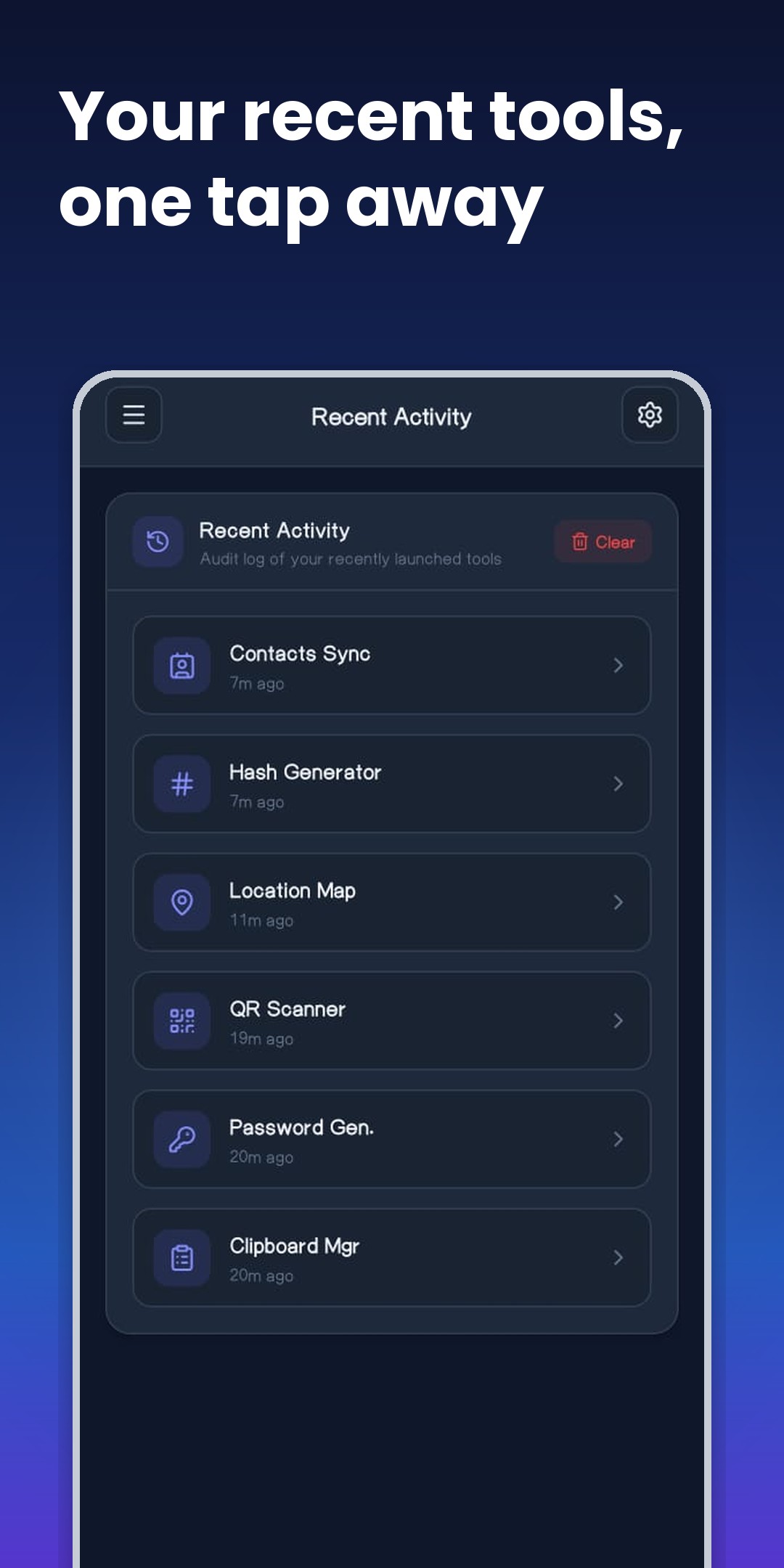
DevUtils recent activity: your recent tools one tap away
Recent tools, one tap away
DevUtils settings: your tools, your theme, your way
Your tools, your theme, your way
DevUtils about: built offline-first for developers
Built offline-first for developers
FAQ

Questions, answered

Is DevUtils really free?

Yes. All 19 tools are free to use. The app shows a small banner ad above the bottom tab bar, which keeps development going.

Does it work offline?

14 of the 19 tools work fully offline, including JSON formatter, hash generator, password generator, encoders, regex tester, color studio, notes, clipboard manager, pomodoro timer and unit converter. Only the tools that need live data (currency rates, translator, location map, SEO inspector, YouTube fetcher) need an internet connection.

Which permissions does it ask for, and why?

Camera for the QR scanner, Contacts for Contacts Sync, and Location for the Location Map. Every permission is requested at runtime with a clear explanation, and you can open OS settings in one tap if you change your mind. Contacts and location data are processed only on your device and never sent to any server.

How is the Floating Bar different from the system volume panel?

It stays on your screen edge in any app, opens with one tap, gives you a tall precise slider plus per-stream switching (Media, Ring, Alarm, Notification, Call) and quick tools like torch and screenshot. It is especially useful on phones with broken or stiff hardware volume buttons.

Which Android versions are supported?

DevUtils supports Android 7.0 (API 24) and newer, covering the vast majority of active devices.

Where can I read the privacy policy?

The full privacy policy is available here. In short: your data stays on your device.

DevUtils icon

Get DevUtils today

Free on Google Play. 19 tools, one download, zero accounts.

Get it on Google Play
QR code to download DevUtils on Google Play Scan to
download
Version 2.1.2Android 7.0+com.amiraliliaqat.devutils